





Get started in three steps

1. Create a free account
Create a free account – get your API key and free credits.
2. Call the API
Call the API – add the x-api-key header to your request.
3. Pay for what you use
Pay for what you use – only successful calls consume credits.









AI agents that work with your own documents
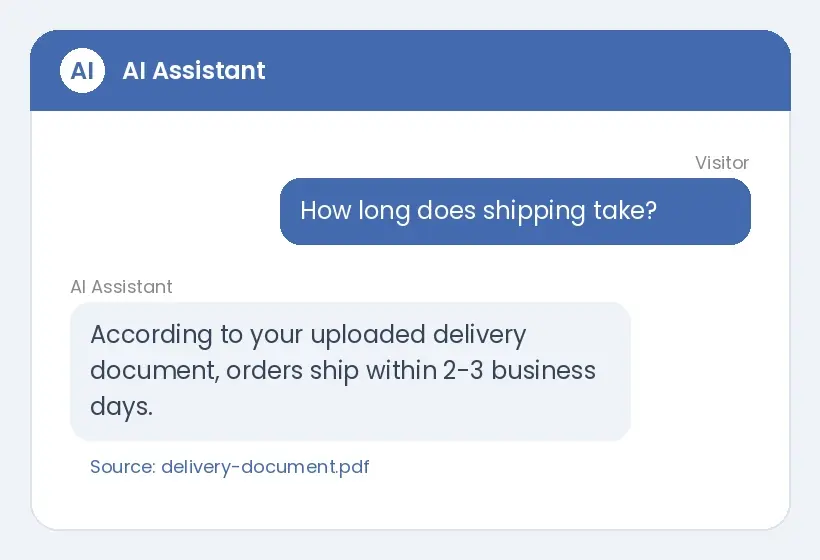
AI Assistant
An AI assistant you add to your website with a single line; it answers visitor questions using only the documents you upload.
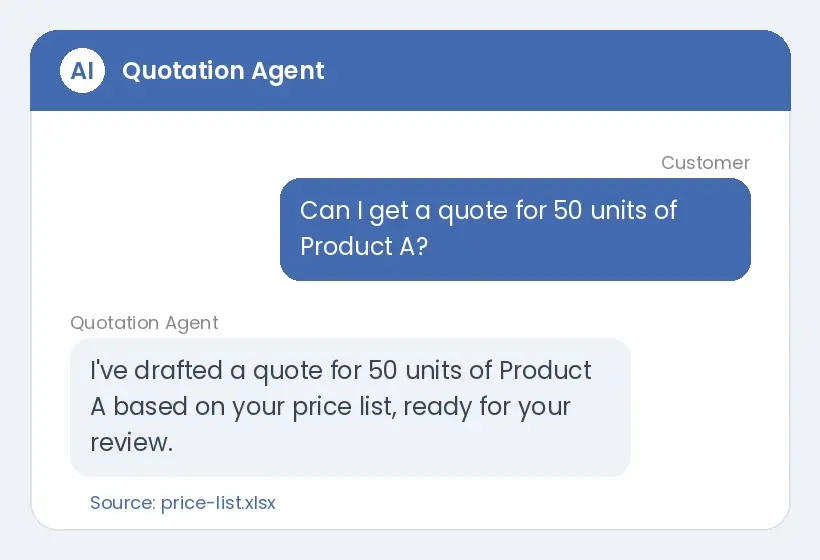
Quotation Agent
An AI agent that drafts quotations from customer requests based on your products and price list.
For developers
Base URL https://api.apikodu.com. All APIs are described in an OpenAPI 3.1 specification with parameters, sample responses, errors and credit cost per call (x-credit-cost). Successful responses return remaining-credit and rate-limit headers.
curl "https://api.apikodu.com/api/v1/..." \
-H "x-api-key: YOUR_API_KEY"const res = await fetch(url, {
headers: { "x-api-key": "YOUR_API_KEY" }
});import requests
requests.get(url,
headers={"x-api-key": "YOUR_API_KEY"})var client = new HttpClient();
client.DefaultRequestHeaders.Add(
"x-api-key", "YOUR_API_KEY");Use it from your AI tools
MCP server at https://api.apikodu.com/mcp (Streamable HTTP). Connect with your API key; list_apis and get_api_doc are free, call_api consumes the called API's credits. Remote connectors that require OAuth (claude.ai, ChatGPT) are not supported yet.
claude mcp add --transport http apikodu https://api.apikodu.com/mcp --header "X-API-Key: YOUR_API_KEY"

News
APIKodu MCP Server: Connect APIs to Your AI Tools
AI Agents That Work With Your Own Documents
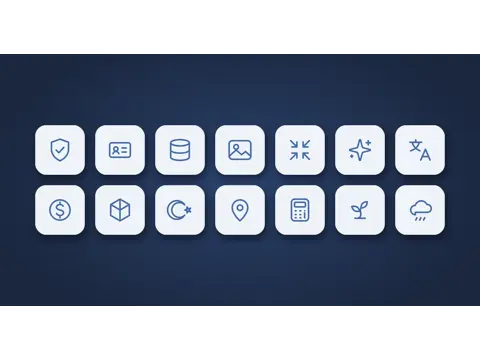
67 Ready-to-Use APIs in 14 Categories
APIKodu Launches: 67 Ready-to-Use APIs, One API Key
Frequently Asked Questions
No. The free plan includes monthly credits; see Pricing for current amounts.
There are two: the AI Assistant, which you add to your website with a single line to answer visitor questions, and the Quotation Agent, which drafts quotations based on your products and price list. Agents consume credits by usage: the AI Assistant per message, the Quotation Agent per quote (by price list size).
Yes. Our MCP server is at https://api.apikodu.com/mcp; in Claude Code you connect with your API key using claude mcp add. Remote connectors that require OAuth (claude.ai, ChatGPT) are not supported yet.
Frost risk, irrigation need, growing degree days (GDD), evapotranspiration (ET0/ETc), seed rate, spray mix, spray window and harvest window APIs.
No overage is charged; requests are rejected with HTTP 429.